NoobPixelSprite
A downloadable NoobPixelSprite
Windows · no account. Open it and start drawing — that's the whole tutorial.
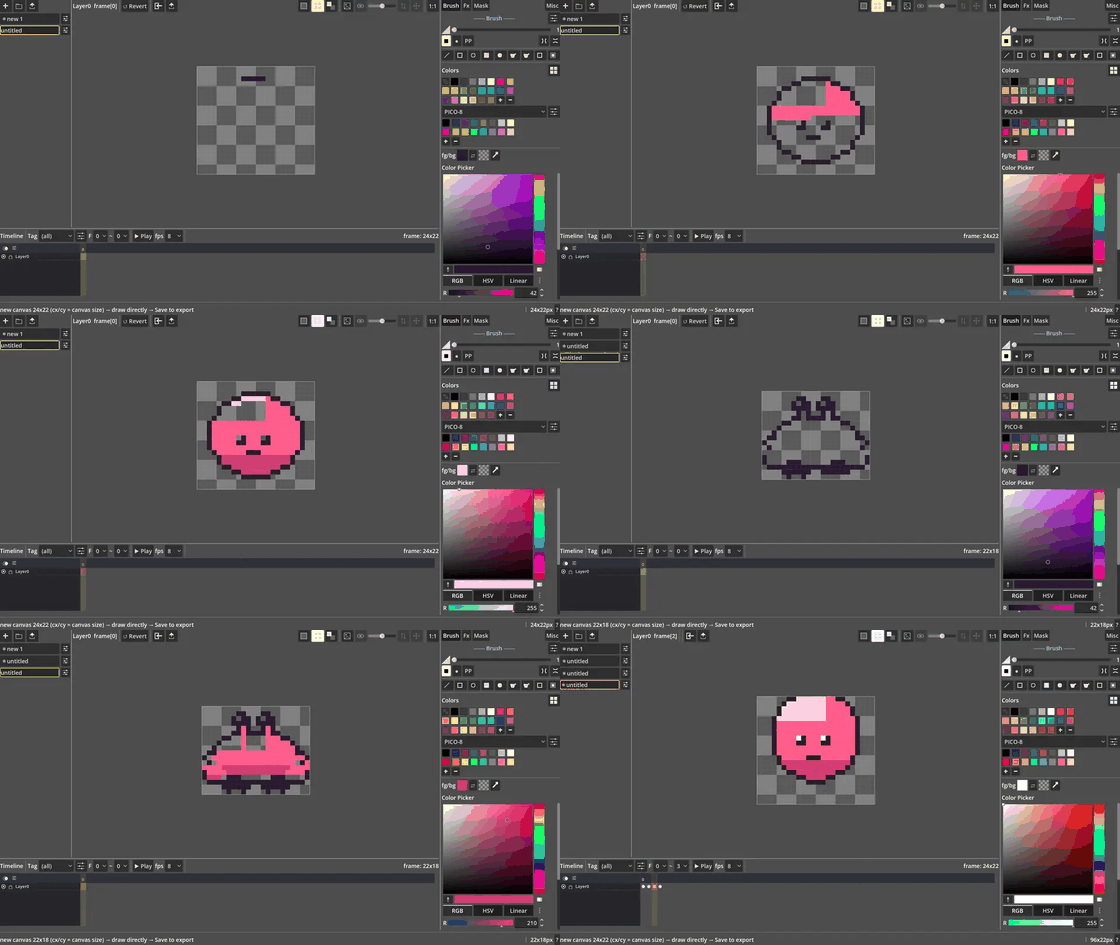
Every serious pixel tool wants you to learn it first — panels everywhere, and you're twenty minutes deep just hunting for the brush. I only wanted a few sprites for my game, so I built the tool I actually wanted: everything within reach, nothing to memorise. Turns out "noob-friendly" is a feature, not an insult.
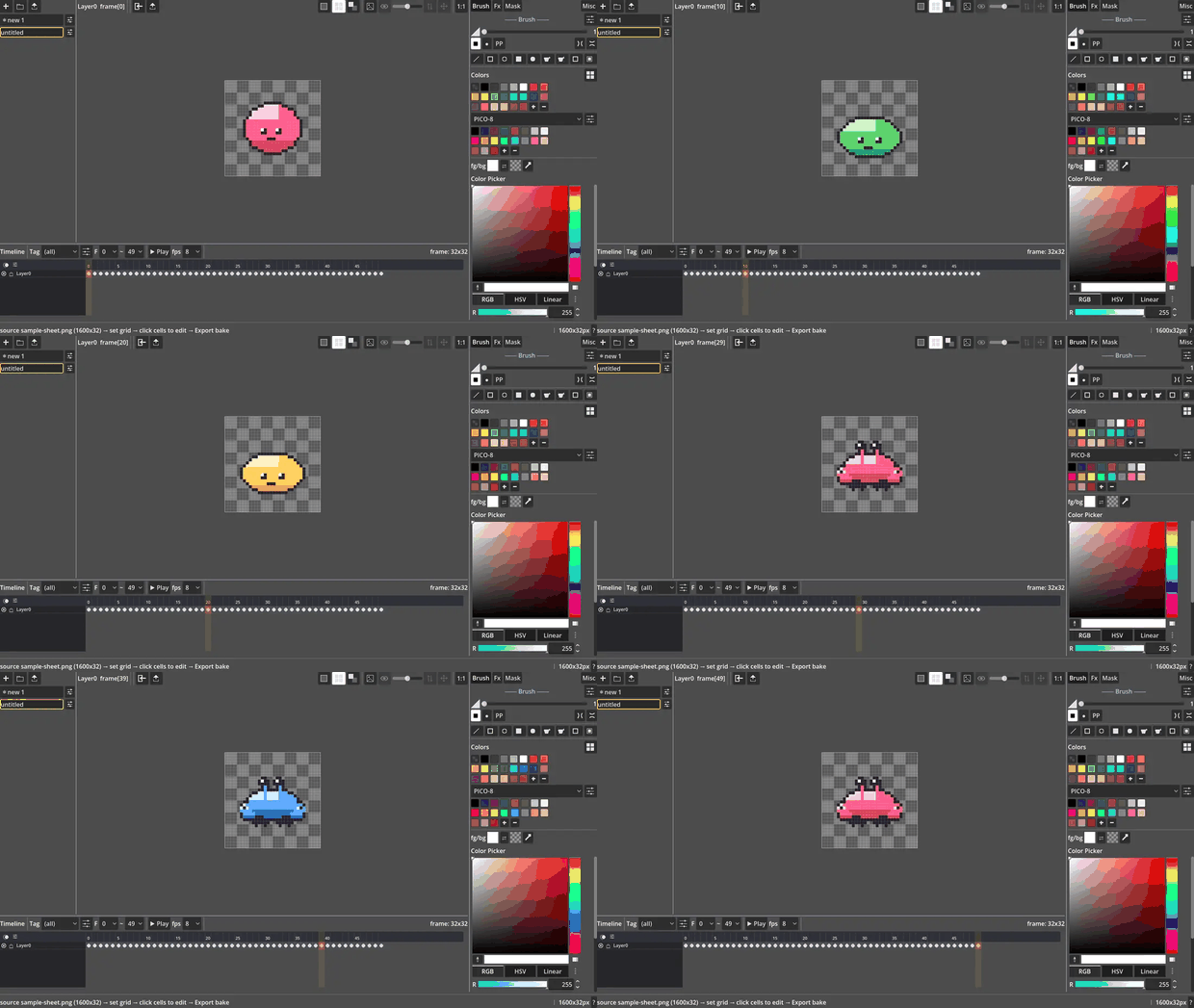
What it does
- Draw — brush, fill, shapes, a real palette, pixel grid + zoom
- Non-destructive FX — tweak an effect live, hit Apply only when you're happy
- Select, mask & cut out — magic wand, clip the brush to a selection, delete a background in three clicks
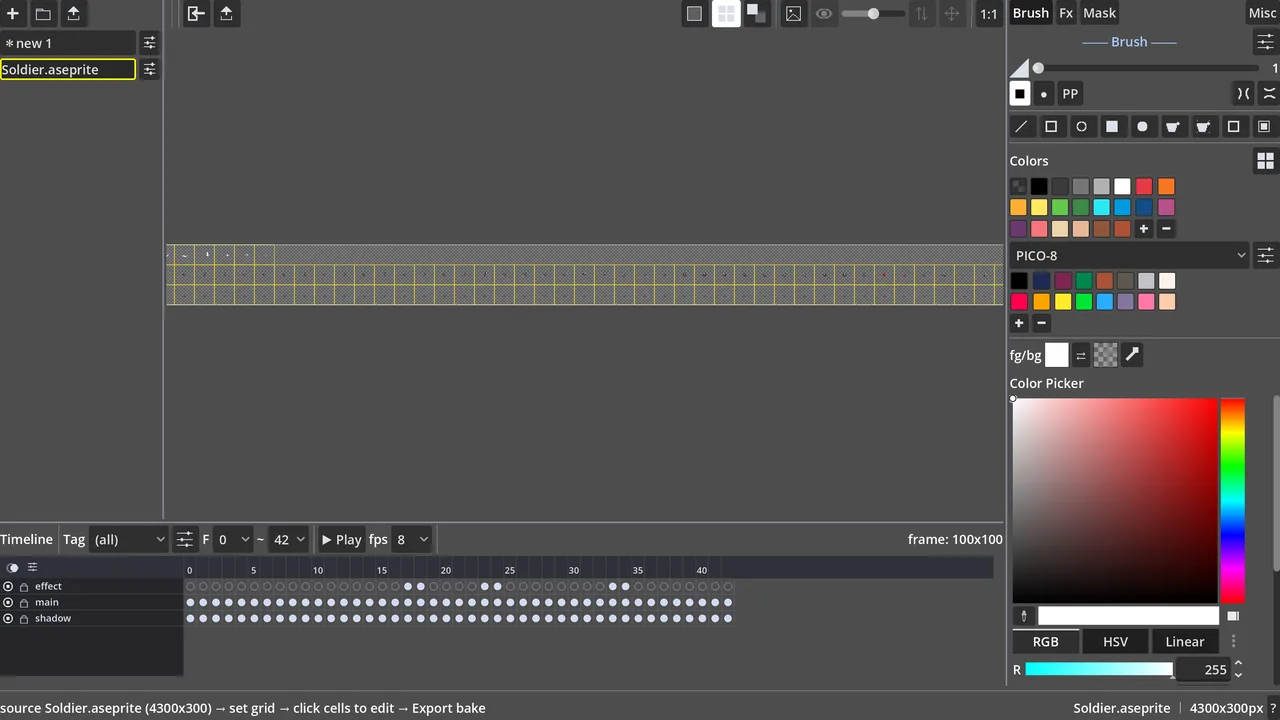
- Layers + frames — show / lock / rename / reorder, a frame grid with named tags
- Linked cells — draw a repeated pose once; every linked frame updates together
- Timeline — play, set the FPS, export
- Reads & writes .aseprite, PNG sheets and JSON atlas — drops straight into Godot or Unity, no lock-in
Try it free, then own it
Not sure? Take the full editor for a 7-day spin — every feature, no account:
Hooked? Grab the full version right here — a one-time purchase, no subscription, yours to keep.
New to sprite sheets?
Short, click-by-click guides — slicing a downloaded sheet, masks, cut-outs, export:
Made by Noob Crab — a one-person indie studio. This editor is a side-quest; the real project is a game. If it saved you some time, follow along so you're there when the game drops.
Download
Click download now to get access to the following files:
Leave a comment
Log in with itch.io to leave a comment.